UV Unfold
AI-powered automatic UV unwrapping for 3D models. Generate clean UV layouts with three engines, including Smart UV, which keeps your textures, rigging and animation.
The UV Unfold tool automatically unwraps UV coordinates for your 3D model. Good UV maps are essential for applying textures accurately. This tool handles the unwrapping in one click, saving you the manual work of placing seams and laying out UV islands.
Engines
| Engine | Credits | Max size | Formats | Keeps textures |
|---|---|---|---|---|
| Smart UV | 15 | 80,000 triangles | GLB, FBX, OBJ, STL | Yes (plus rigging and animation) |
| Meshy | 8 | 40,000 faces | GLB, FBX, OBJ | No |
| Hunyuan | 5 | 30,000 faces | GLB, GLTF, FBX, OBJ | No |
Credits are refunded automatically if an unwrap fails.
Smart UV re-unwraps the model and then re-bakes its existing textures onto the new layout, so the model looks exactly the same afterwards, just with clean UVs. Rigged and animated models keep their skeleton and animation. Turn off Keep textures if you only want geometry with new UVs (for example, because you will re-texture the model anyway).
Smart UV also saves a UV atlas image to your dashboard: a flat preview of the new UV islands, handy for checking the layout or as a guide for hand-painting. It is free and can be turned off with Store UV atlas image separately. The atlas is a preview of the layout, not a texture.
Meshy and Hunyuan generate fresh UVs only. Existing textures do not carry over, so plan to re-texture afterwards.
How It Works
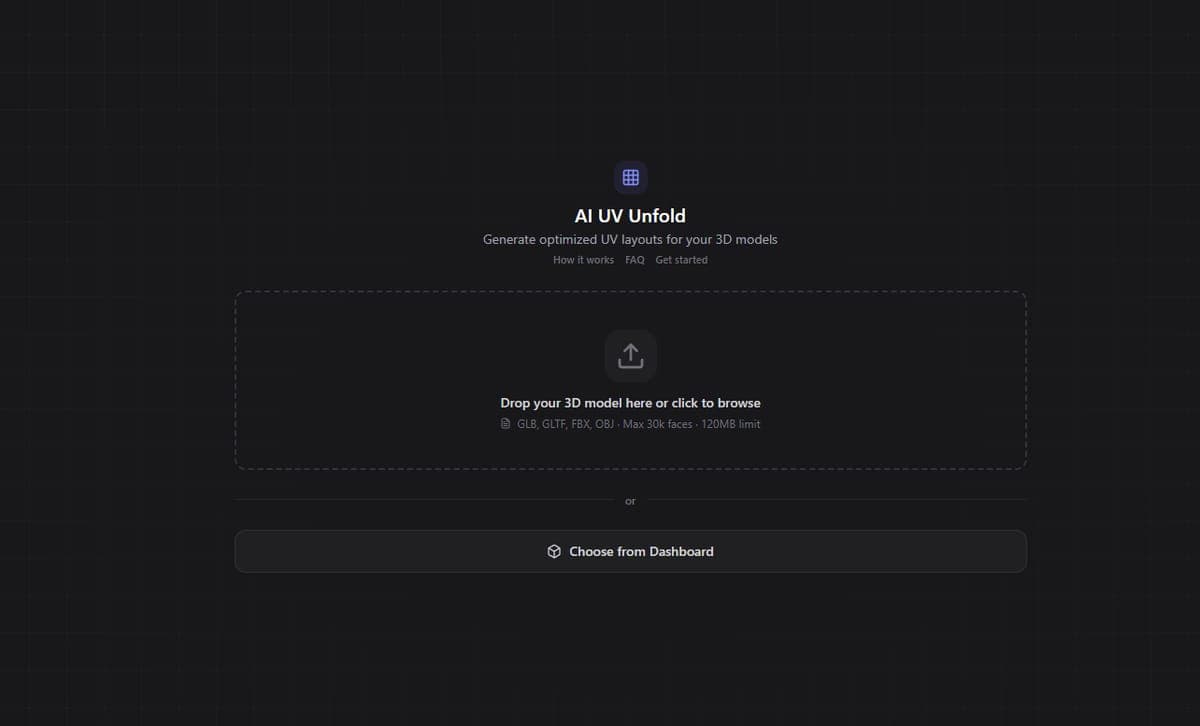
- Open a model from your Dashboard and choose UV Unfold, or upload a model in the tool
- Pick an engine
- Click Unfold UVs
- The AI analyzes the geometry, picks natural seam locations, and generates a clean UV layout
- The result appears in your Dashboard
The AI places seams along natural edges and hidden areas to minimize visible texture stretching. The result is a model ready for texturing in the Texture Generator, Texture Painter, or external tools like Substance Painter.
Limits
- Smart UV: up to 80,000 triangles (a quad counts as two) and 150 MB
- Meshy: up to 40,000 faces
- Hunyuan: up to 30,000 faces and 120 MB
If your model is denser than the engine allows, reduce it first with Smart Low Poly. Its version 3.0 also unwraps UVs in the same step, so for dense models you often don't need a separate unwrap at all.
What's Next
With clean UVs in place, head to the Texture Generator to add materials and surface detail, or use the Texture Painter for hand-directed texture work.
Frequently Asked Questions
Many AI-generated models come with poor or missing UV coordinates. Without proper UVs, textures stretch, distort, or do not apply at all. Running UV Unfold in 3D AI Studio gives your model a clean UV layout so the Texture Generator and Texture Painter can paint surfaces accurately.
Hunyuan costs 5 credits, Meshy 8 credits and Smart UV 15 credits per model. Smart UV costs more because it also carries your existing textures, rigging and animation over to the new layout.
With Smart UV, yes: the existing textures are re-baked onto the new UV layout (Keep textures, on by default), and rigging and animation are kept too. Hunyuan and Meshy regenerate the UV coordinates from scratch, so existing textures no longer align and the model needs re-texturing.
A flat picture of the new UV islands that Smart UV saves next to your model. It shows how the model's surface is laid out in texture space, which is useful for checking the unwrap or as a template for painting textures by hand. It is not a texture itself, and it is free.
Smart UV accepts up to 80,000 triangles, Meshy up to 40,000 faces and Hunyuan up to 30,000 faces. If your model is denser, run Smart Low Poly first, or turn on its Unwrap UVs option (version 3.0) to reduce and unwrap in one step.
The AI analyzes the geometry and places seams along natural edges, creases, and hidden areas like the back of limbs or underside of objects. This minimizes visible texture stretching on prominent surfaces while keeping seam artifacts in less noticeable locations.
Yes. Run UV Unfold in 3D AI Studio, download the model with its new UV layout, and import it into Substance Painter or any other texturing tool. The generated UVs follow standard conventions with properly packed UV islands, so external tools work with them just as well as the built-in texturing tools.
Segmentation Tool
AI-powered 3D model segmentation. Split a single mesh into logical parts like limbs, clothing, and accessories for editing, printing, or game pipelines.
Model Actions Overview
All available model actions in 3D AI Studio. Retopology, format conversion, rigging, texturing, segmentation, 3D printing, and more.