Generate
Generate images from text prompts using 15+ AI models including ImageGen 4, Flux 2, GPT-Image, and more. Model comparison, credit costs, and prompting tips.
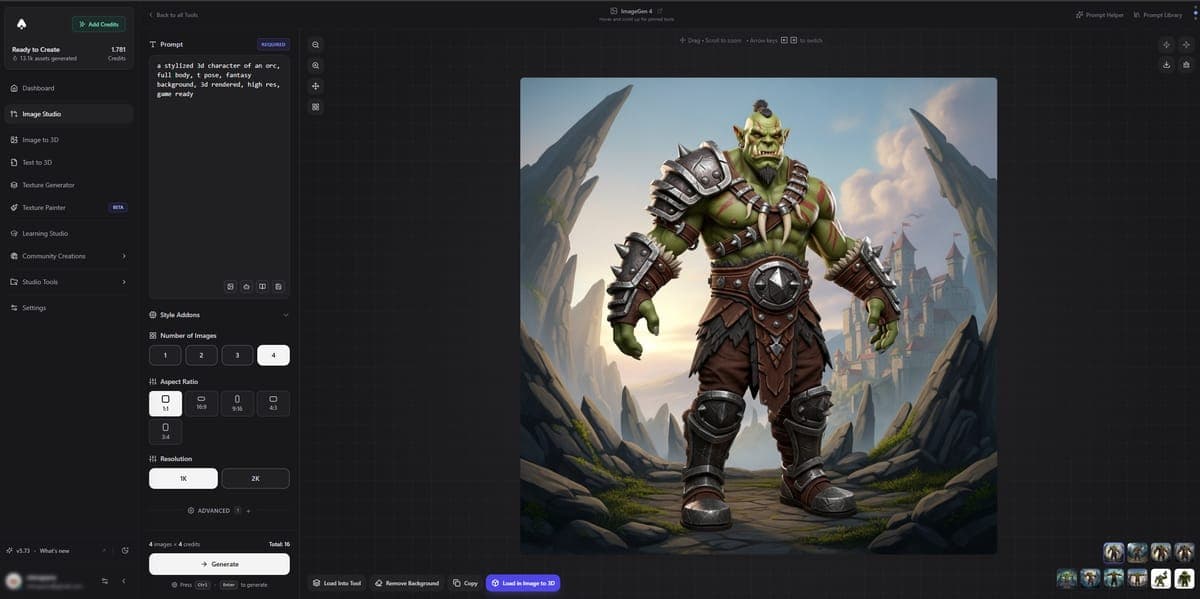
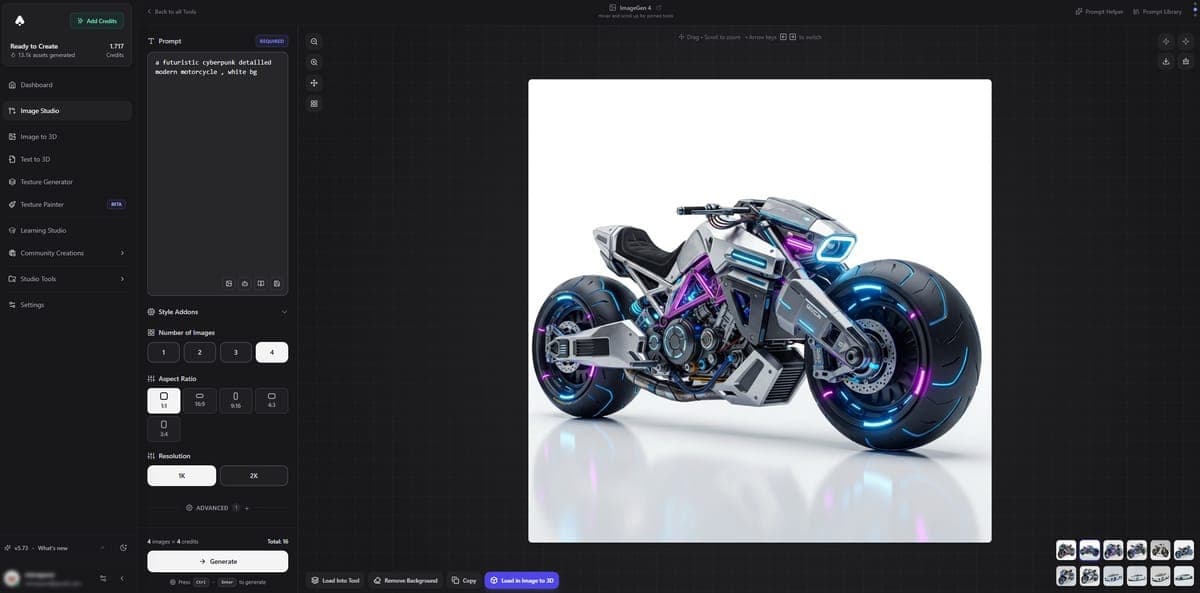
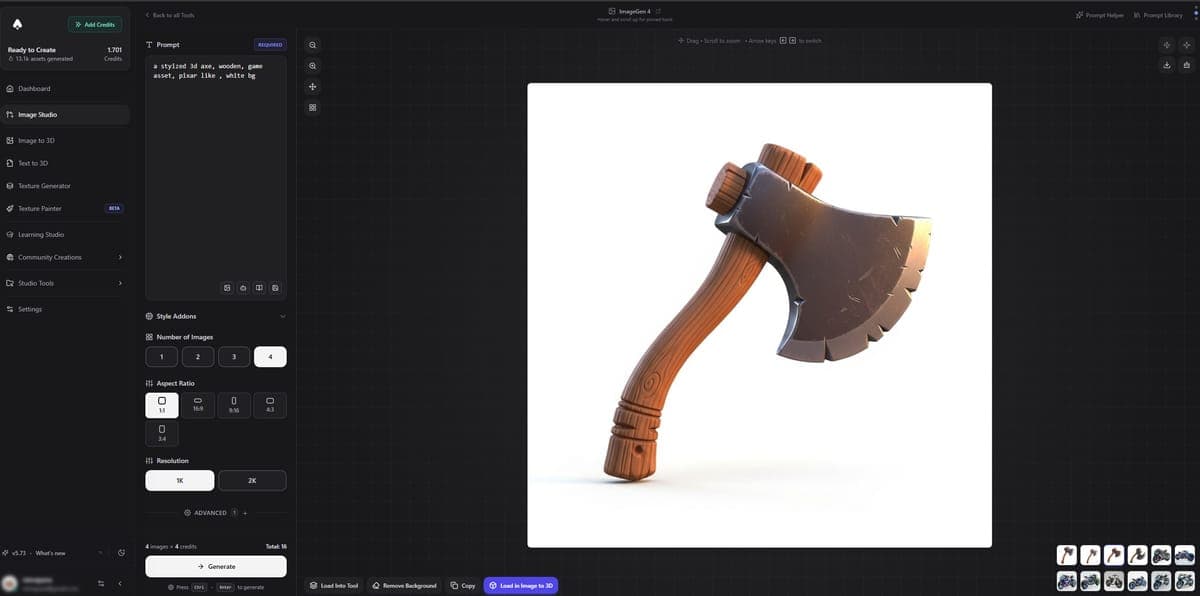
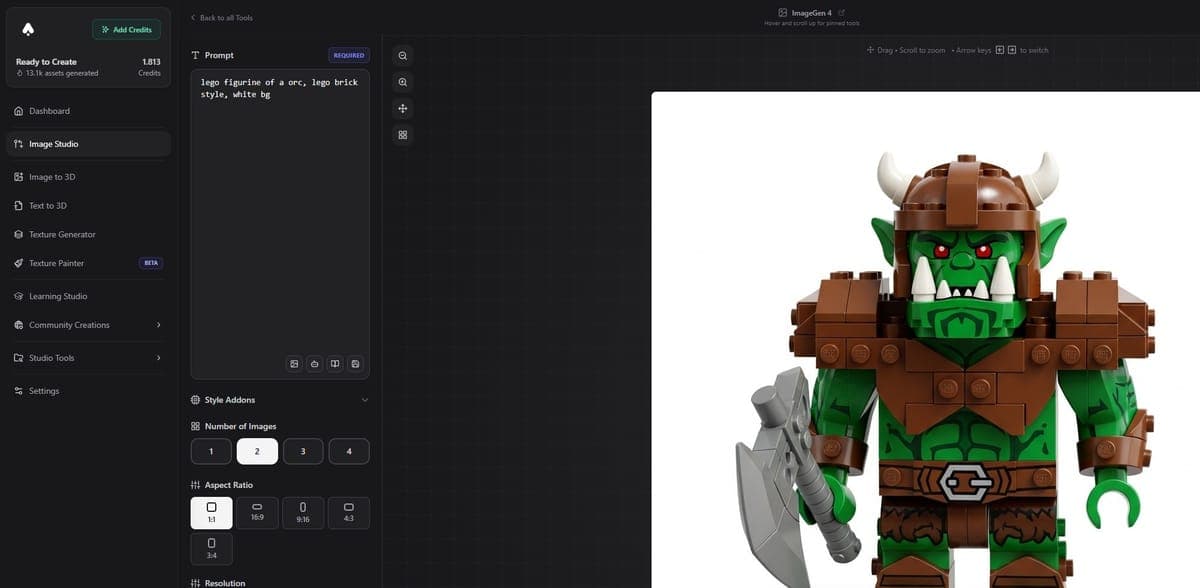
Generate lets you create images from text prompts. Describe what you want, pick a model, and get your image in seconds. Image Studio includes 15+ generation models from Google, Black Forest Labs, OpenAI, and ByteDance, each with different strengths, speeds, and credit costs.
Available Models
| Model | Provider | Credits | Best for |
|---|---|---|---|
| ImageGen 4 | 4 | Detailed, realistic, great lighting | |
| ImageGen 4 Fast | 2 | Quick iterations | |
| ImageGen 3 | 4 | Advanced detail | |
| ImageGen 3 Fast | 2 | Quick drafts | |
| Nano Banana 2 (Gemini 3.1 Flash) | 4-12 | Flexible resolution (0.5K-4K), grounding | |
| Nano Banana Pro (Gemini 3 Pro) | 8-14 | Highest quality Gemini | |
| Nano Banana (Gemini 2.5 Flash) | 4-8 | Fast and affordable | |
| Flux 2 | Black Forest Labs | 4-6 | Natural language prompts, photorealism |
| Flux 2 Flex | Black Forest Labs | 6-10 | Guidance and step control |
| Flux 2 Pro | Black Forest Labs | 8 | Commercial-grade |
| Flux | Black Forest Labs | 2 | Quick text-to-image |
| Flux Pro | Black Forest Labs | 4 | Professional quality |
| GPT-Image-1 | OpenAI | 2-20 | Variable quality, text rendering |
| GPT Image 2 | OpenAI | 3 | Next-gen, flexible |
| SeedDream v5 Lite | ByteDance | 5 | Multi-reference blending |
Credit costs vary by resolution and settings. The ranges shown reflect minimum to maximum depending on your chosen output size and options.
Quick Recommendations
Not sure which model to pick? Here are some starting points:
- Best overall quality: ImageGen 4. Handles most subjects well with great lighting and detail.
- Best for photorealism: Flux 2. Natural-looking photos with great skin tones and textures.
- Cheapest option: Flux at just 2 credits. Good for quick ideas and rough concepts.
- Best text rendering: GPT-Image-1 or GPT Image 2. These handle text in images (signs, labels, logos) better than other models.
- Best for 3D conversion: ImageGen 4. Add "clean white background, single object, centered" to your prompt for images that convert well to 3D models.
Prompting Tips
Different models respond to prompts differently. Here are the key things to know:
Flux models prefer natural language. Write prompts like you are describing a scene to someone: "A red sports car parked on a rainy street at night, reflections on wet asphalt, cinematic lighting." Avoid tag-style prompts with commas separating keywords.
ImageGen and Nano Banana models work well with both natural language and more structured, keyword-style prompts. They handle detailed descriptions and specific art direction effectively.
GPT-Image models excel at following complex instructions. You can be very specific about composition, layout, and text placement.
General tips
- Aspect ratio matters. Pick the right shape for your subject. Portraits work better in portrait orientation, landscapes in landscape.
- Resolution affects cost. Higher resolutions cost more credits. Start with a lower resolution to test your prompt, then generate the final version at full quality.
- Be specific about what you want. "A sword" gives you a generic sword. "A curved elven longsword with a silver blade and green leather-wrapped grip, fantasy style" gives you something much more interesting.
- Mention the style early. Put style keywords like "3D render", "oil painting", "photorealistic", or "anime" near the start of your prompt.
For more detailed prompting advice, see Prompt Tips.
Ready to generate? Try the AI Image Generator -- free credits on signup.
Frequently Asked Questions
Yes. 3D AI Studio gives you free credits when you sign up, so you can generate images immediately without a subscription. Free credits work with all 15+ models including ImageGen 4, Flux, and GPT-Image. You only need a paid plan if you want more credits or access to premium video features.
It depends on what you need. For photorealism, Flux 2 is hard to beat. For all-around versatility and lighting quality, ImageGen 4 is the top pick in 3D AI Studio. GPT Image 2 handles text in images and complex instructions better than any other model currently available.
ImageGen 4 excels at detailed scenes with realistic lighting and works well with both keyword-style and natural language prompts. Flux 2 produces more natural-looking photos with better skin tones and textures but prefers full-sentence prompts. In 3D AI Studio, ImageGen 4 costs 4 credits and Flux 2 costs 4-6 credits depending on resolution.
In 3D AI Studio, costs range from 2 credits (Flux basic) to 20 credits (GPT-Image-1 at max settings). Most popular models like ImageGen 4 and Flux 2 cost 4-6 credits per image. Higher resolutions cost more, so testing prompts at lower resolution first saves credits.
ImageGen 4 produces the cleanest images for 3D conversion. Add "clean white background, single object, centered" to your prompt for best results. In 3D AI Studio, you can send generated images directly to Image to 3D with one click, making the workflow seamless.
Match the aspect ratio to your subject. Portraits and characters work best in portrait orientation (2:3 or 3:4), landscapes in landscape (16:9 or 3:2), and product shots in square (1:1). 3D AI Studio lets you pick from standard ratios or set custom dimensions for each model.
GPT-Image-1 and GPT Image 2 are the best models for text rendering in 3D AI Studio. They can generate signs, labels, logos, and UI mockups with legible text. Other models like Flux and ImageGen sometimes produce garbled or missing text, so switch to a GPT model when your image needs readable words.
Nano Banana (Gemini 2.5 Flash) is the fastest and cheapest at 4-8 credits. Nano Banana 2 (Gemini 3.1 Flash) supports flexible resolution from 0.5K to 4K and offers grounding features at 4-12 credits. Nano Banana Pro (Gemini 3 Pro) delivers the highest quality output at 8-14 credits. All three are available in 3D AI Studio and share the same natural language prompting style.
Most models in 3D AI Studio generate an image in 3-10 seconds. Faster models like ImageGen 4 Fast and Flux typically finish in under 5 seconds. Higher-quality options like Nano Banana Pro and Flux 2 Pro may take 8-15 seconds depending on resolution. Video generation is slower, usually 30 seconds to a few minutes.
Commercial usage rights depend on the model. Flux 2 Pro and GPT Image 2 are designed for commercial use. 3D AI Studio does not restrict how you use your generated images, but you should check each model provider's terms if you plan to sell or publish the output commercially.
Overview
Overview of Image Studio, your all-in-one workspace for AI image generation, editing, conversion, and more. 100+ tools, 15+ AI models, all in your browser.
Edit
Edit images using AI models. Describe changes in plain text to swap objects, change styles, fix lighting, remove backgrounds, and more.